for Method 1 (Multimedia units) refer to column left; for Method 2(CD head units) refer to column right.
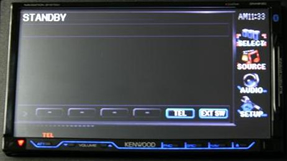
Method 1
Select "STANDBY" in the Source menu
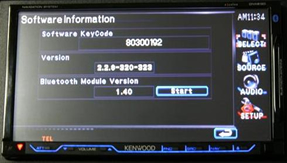
Press [SETUP] / [Software Information]
Check the Bluetooth Module Version
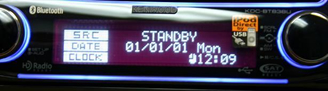
Method 2
Select "STANDBY"
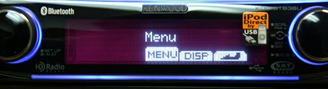
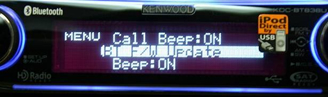
Press [FNC] button to enter the Menu
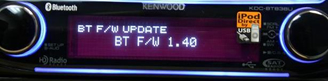
Select [BT F/W Update]
Check the Bluetooth Module Version