| Group E |
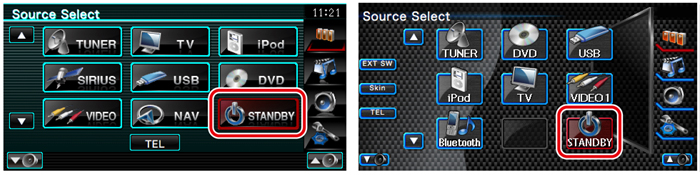
| 1 | Display the Source Select screen Press the [SRC] button. |
| 2 | Select the STANDBY Press the [STANDBY] button. |
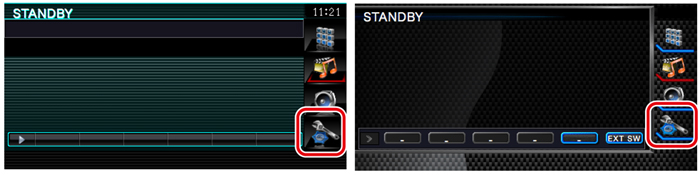
| 3 | Enter Setup Menu Press the [SETUP] button. |
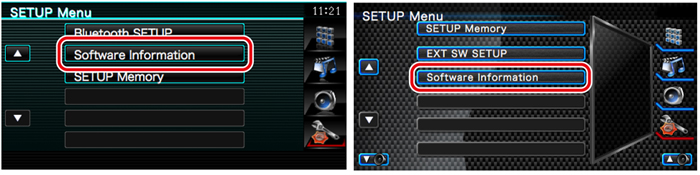
| 4 | Display the Software Information screen Press the [Software Information] button. |
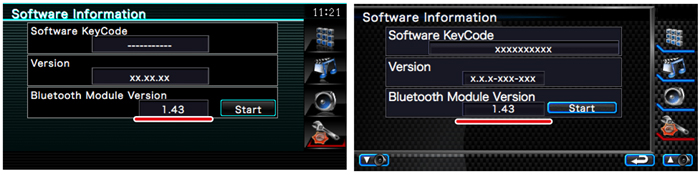
| 5 | The firmware version appears. |