
UD-NF7|

© 2012 JVCKENWOOD Corporation

UD-NF7|
© 2012 JVCKENWOOD Corporation

UD-NF7|
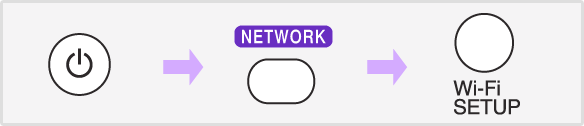
Display the Menu, press the [NETWORK] button and then press the [Wi-Fi Setup] button.

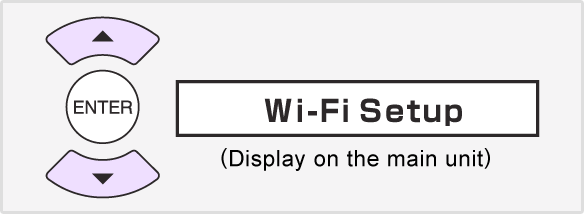
Select "Wi-Fi Setup" and then press the [ENTER] button.
Select "Direct" and then press the [ENTER] button.
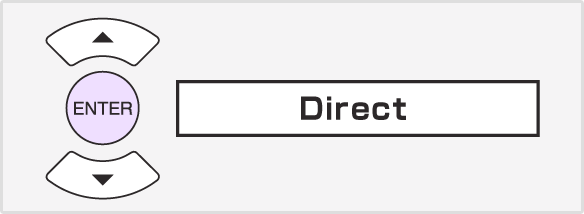
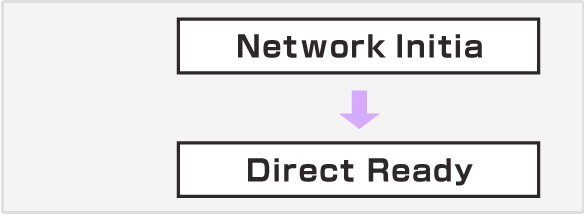
Wait for about 40 seconds until "Direct Ready" is displayed.
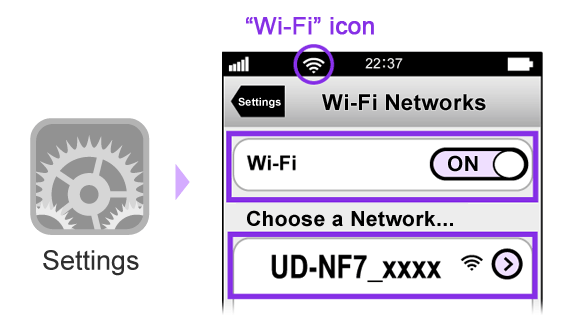
Set the "Wi-Fi" to "ON" if it is "OFF", and then select "UD-NF7_xxxxxx". Wait for about 1 to 2 minutes until the "Wi-Fi" icon is displayed on the upper left of the screen.
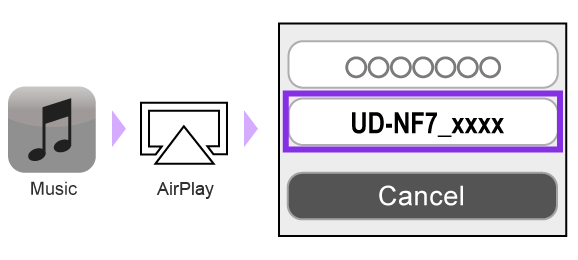
Start the "Music" application and then tap the AirPlay icon. Select "UD-NF7 xxxxxx" as the sound output.
4. Tap the Playback icon.
5. Press the [ENTER] button
on the remote control after "Press ENTER to start streaming" is displayed on the main unit.
© 2012 JVCKENWOOD Corporation
UD-NF7|
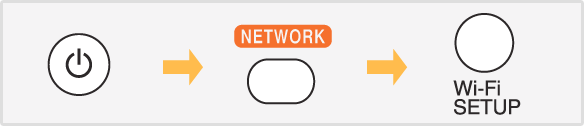
Display the Menu, press the [NETWORK] button and then press the [Wi-Fi Setup] button.
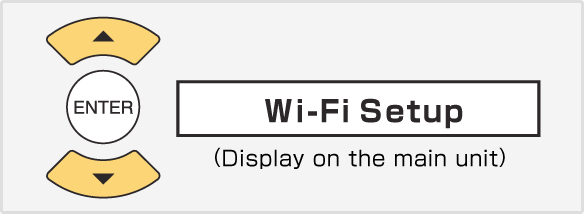
Select "Wi-Fi Setup" and then press the [ENTER] button.
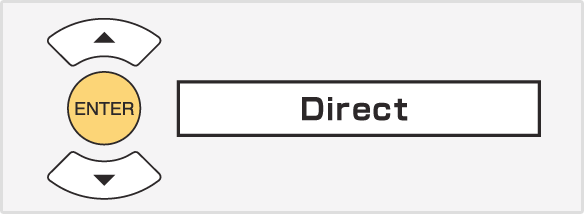
Select "Direct" and then press the [ENTER] button.
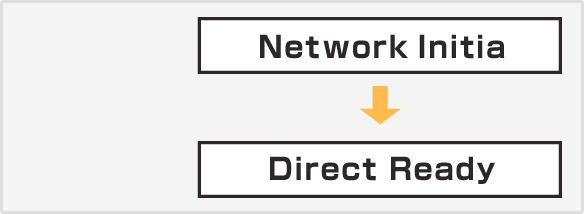
Wait for about 40 seconds until "Direct Ready" is displayed.
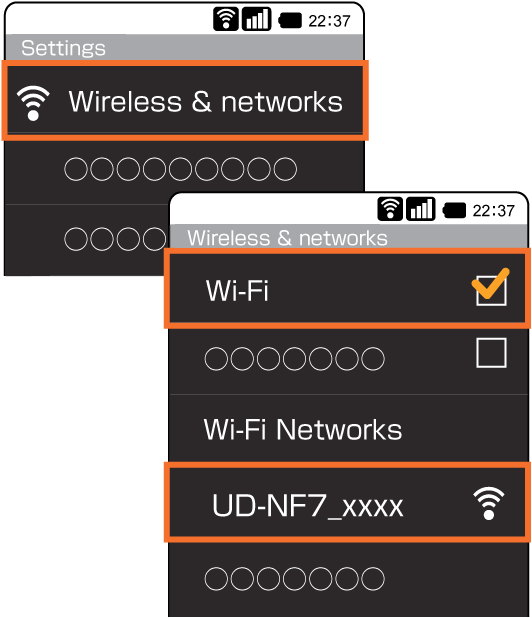
Select "Wireless & networks" in "Settings", and then select "Wi-Fi settings".
Set the "Wi-Fi" to "ON" if it is "OFF", and then select "UD-NF7_xxxxxx".
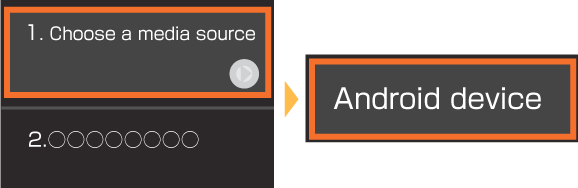
Start the "DLNA" application and then select the device (your Android device) from which music is played back.
∗ Operations may vary depending on the applications you are using.
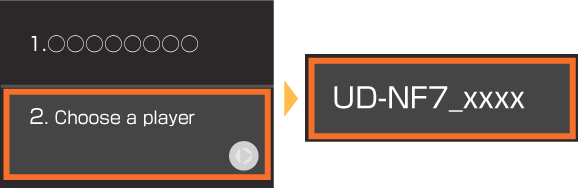
Select "UD-NF7 xxxxxx" as the sound output.
4. Select the track you want to playback.
5. Tap the Playback icon.
6. Press the [ENTER] button
on the remote control after "Press ENTER to start streaming" is displayed on the main unit.
© 2012 JVCKENWOOD Corporation
UD-NF7|
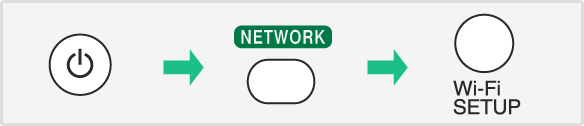
Display the Menu, press the [NETWORK] button and then press the [Wi-Fi Setup] button.
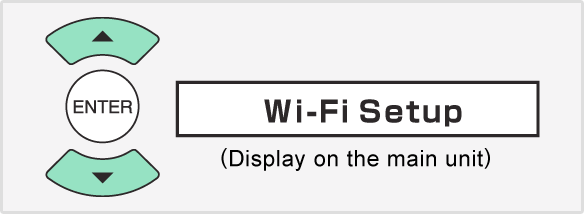
Select "Wi-Fi Setup" and then press the [ENTER] button.
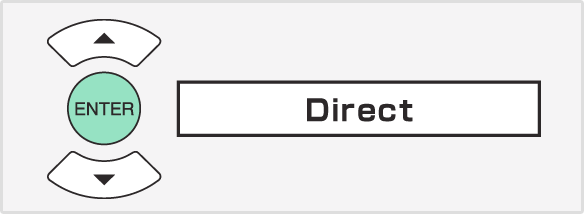
Select "Direct" and then press the [ENTER] button.
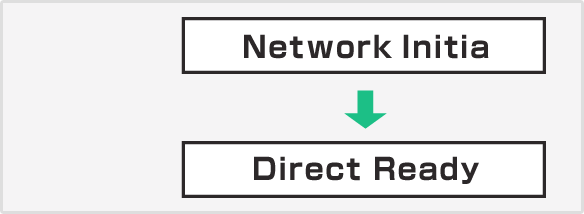
Wait for about 40 seconds until "Direct Ready" is displayed.
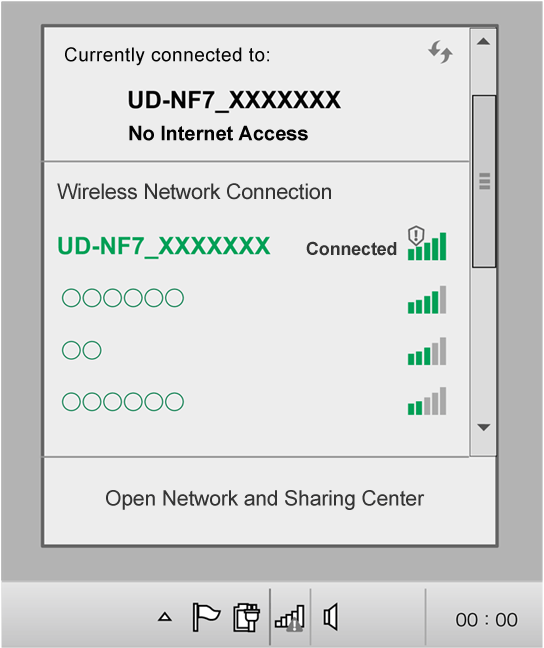
Open the screen for the wireless LAN network setup, and then select "UD-NF7_xxxxxx".


1. Start iTunes and then click the AirPlay icon.
2. Select "UD-NF7 xxxxxx" as the sound output.
3. "Press ENTER to start streaming" is displayed on the main unit.
4. Press the [ENTER] button on the remote control and then audio is output from the speaker.

1. On the menu bar, click "iTunes" and select "Preferences".
2. Under "Devices" tab, check the 'Allow iTunes audio control from remote speakers' box.

1. On the menu bar, click "Edit" and select "Settings".
2. Under "Devices" tab, check the 'Allow iTunes audio control from remote speakers' box.


1. Start Windows Media Player 12.
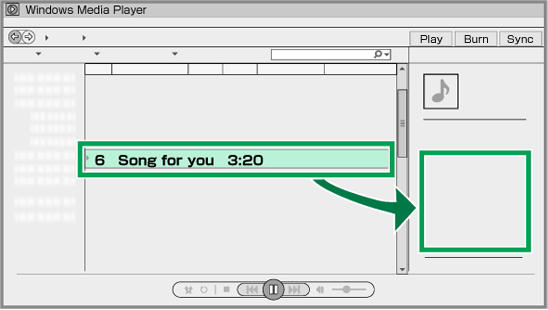
2. Select the files for playback. Drag the files to the right side of the menu screen, and drop them.
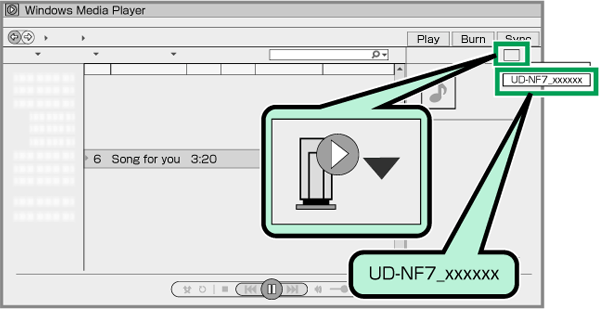
3. Click the "Remote" icon, and select the speaker (UD-NF7 xxxxxx).
© 2012 JVCKENWOOD Corporation
UD-NF7|
Enjoy your music in high-quality playback, from the CDs you have on hand to the music libraries on your smartphone or PC. Discover the experience of a high-quality acoustic space.
By installing AirPlay on your iPhone or a DLNA app on your Android™ device, you can control your music easily on your smartphone's screen. This feature is convenient when you just want to relax and listen to some of your favorite music.
The top of the unit features a digital connection dock for iPod and iPhone, and can be used for charging even when the main unit is in standby with its power off.
Also included is a stylish and convenient iPad stand, which can be used with both landscape and portrait orientations.
If the volume is set to 27 or higher when the power is turned off, when the power is turned back on, the volume is automatically adjusted to 16 when playback begins, and the volume level gradually returns to its previous setting. With this feature, you won't be surprised by sudden playback of music that is too loud.
During Network Standby, if UD-NF7 is selected by AirPlay/DLNA device and playback is started, this unit turns on the power automatically and the music is output from the speaker of this unit.
You can have the music of your choice play back at the same time on the same day of the week by specifying a day and time in advance.
For example, you can use this feature to have your favorite music play to wake you up, or to relax during a break.
© 2012 JVCKENWOOD Corporation